Open a space and its pages right from Documents
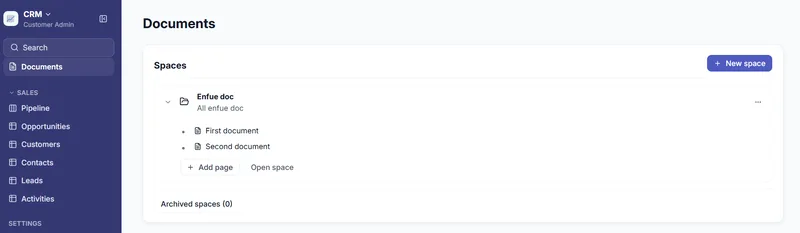
Documents now takes you to your pages in fewer clicks, and a page opens full width without a page tree beside it. On the Documents home, click a space to expand it and see its pages and subpages, then click a page to open it. Add page creates a page in the space, and Open space takes you to the space page.
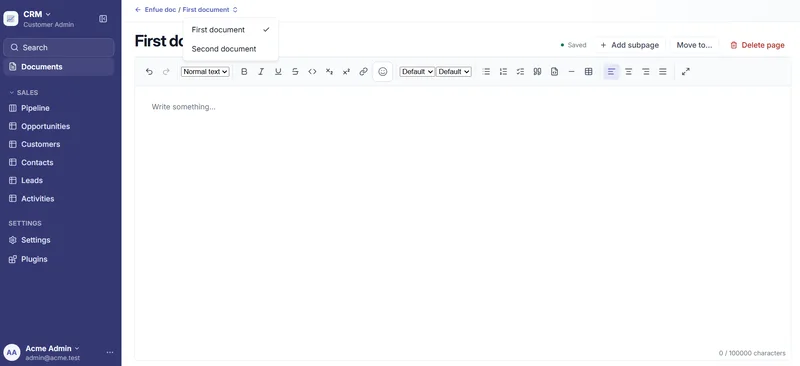
- Use the back arrow in the breadcrumb to return to the Documents home.
- Click the page's name to switch to another page in the same space.
- Add subpage, Move to… and Delete page are in the page header.